Install MeetSweet.
Follow the visual guides below to install the app safely and ensure you never miss a message from your favorite creators.
Requires Android 10+ · Version 1.0.0
How to install MeetSweet
Troubleshooting Play Protect & "App not installed"
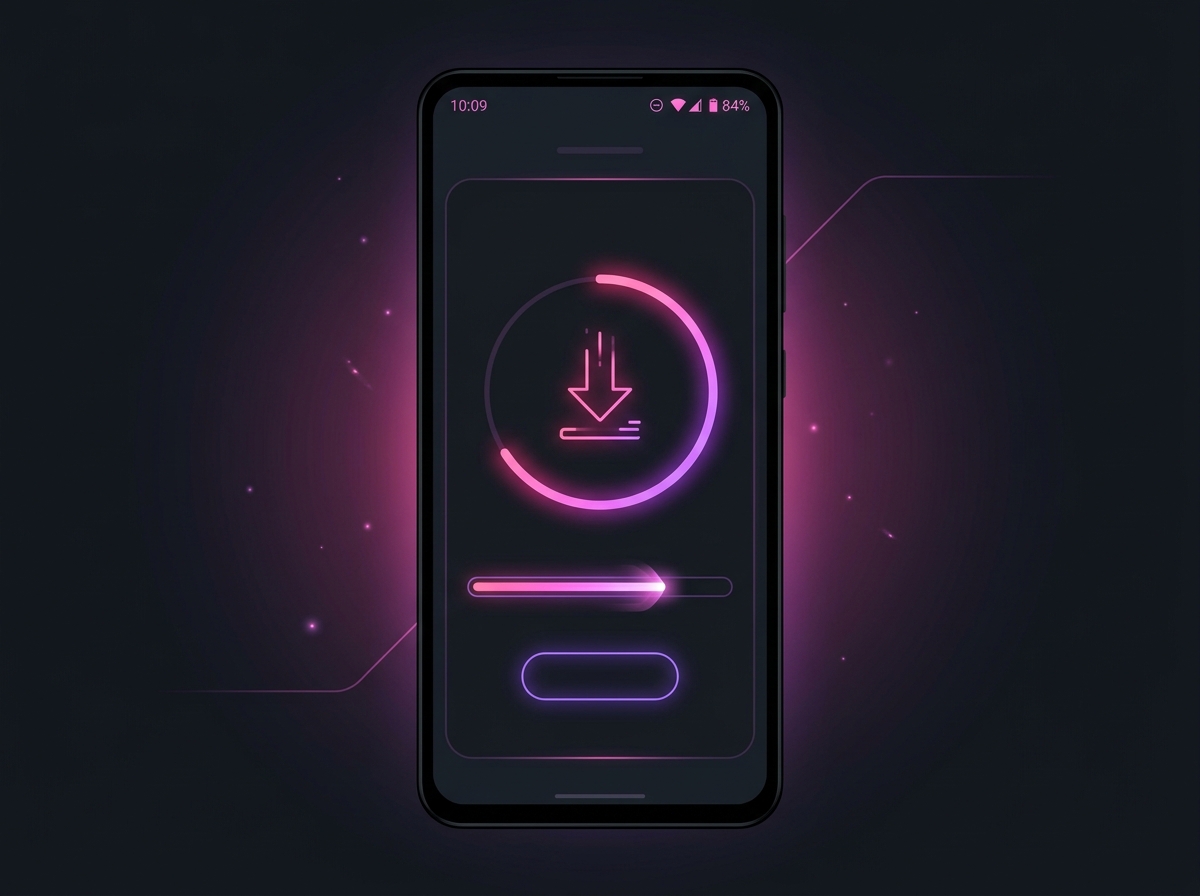
1. Download the APK
Tap the download button above to get the MeetSweet APK.
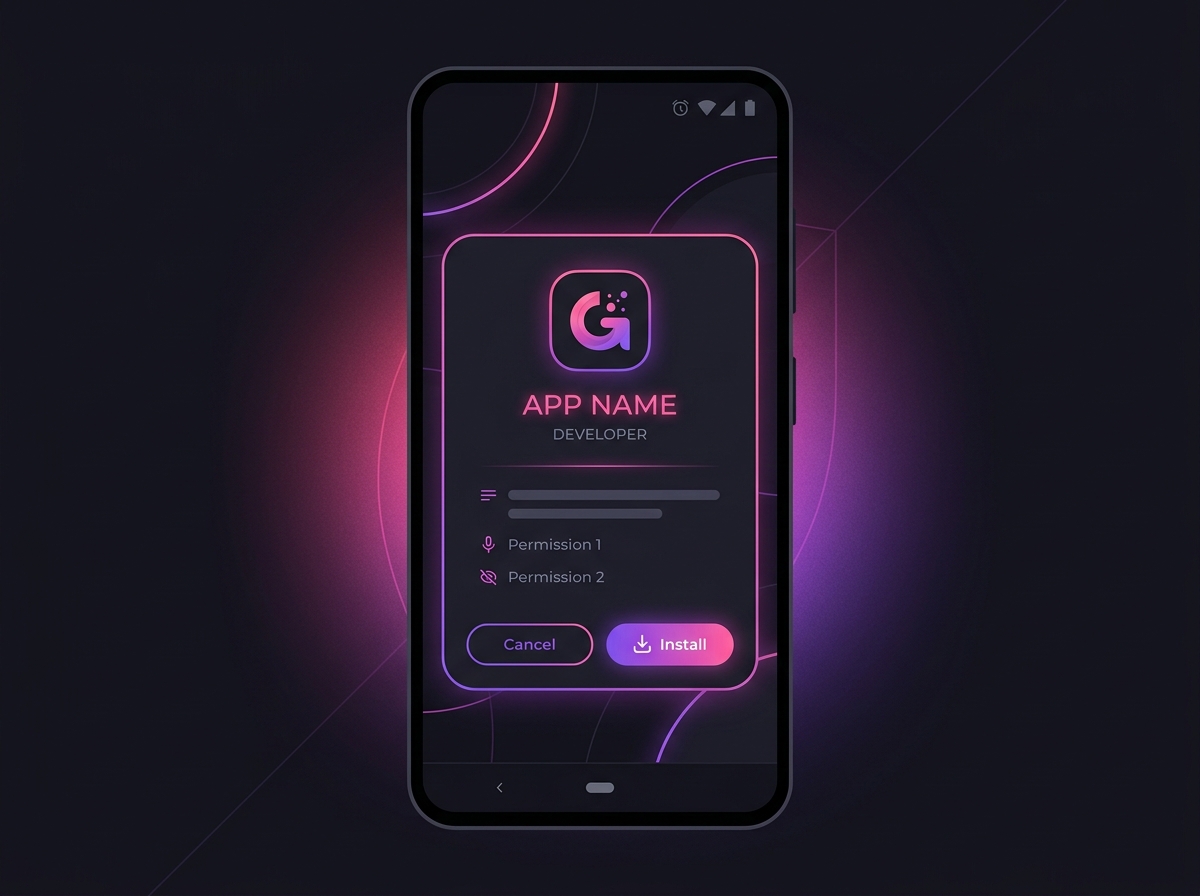
2. Install the App
Open the downloaded file and tap 'Install' when prompted.
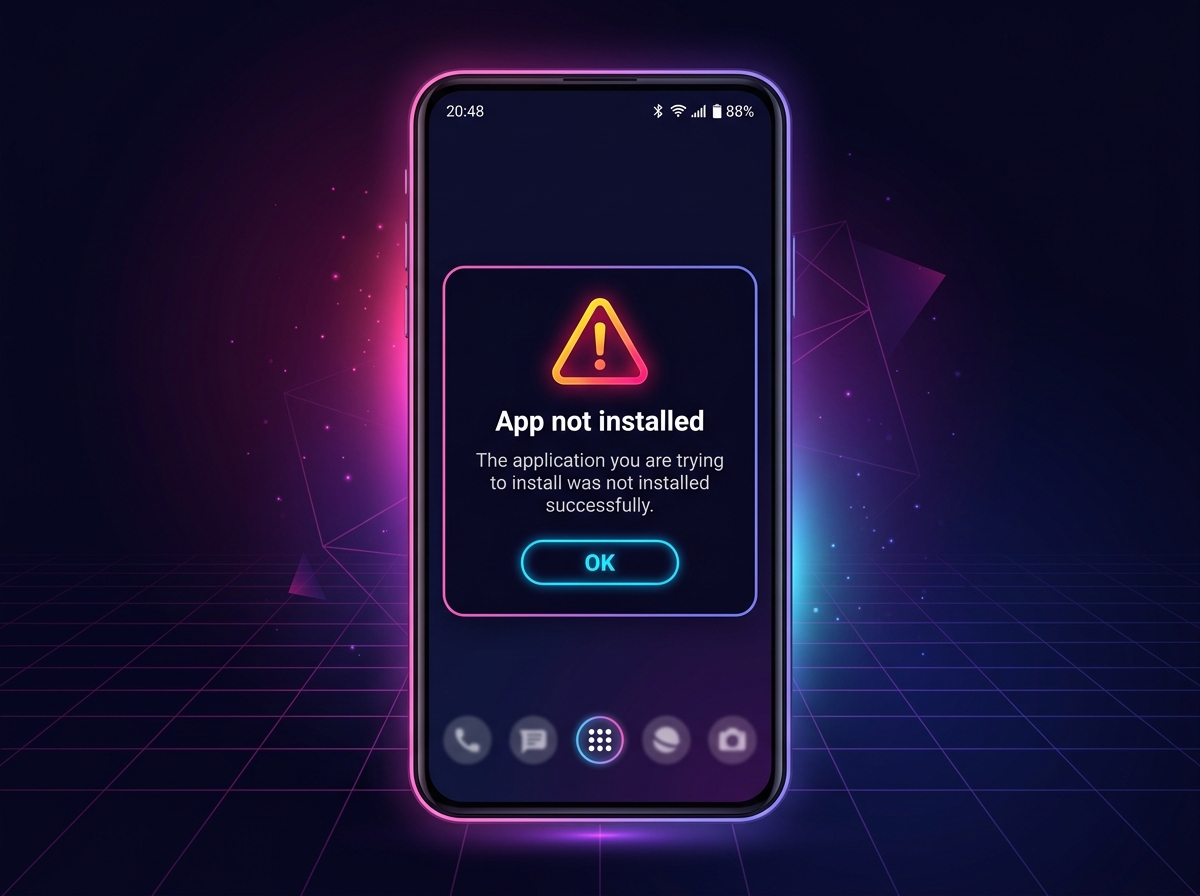
3. If Installation Fails
If you see an 'App not installed' error, Google Play Protect might be blocking it.
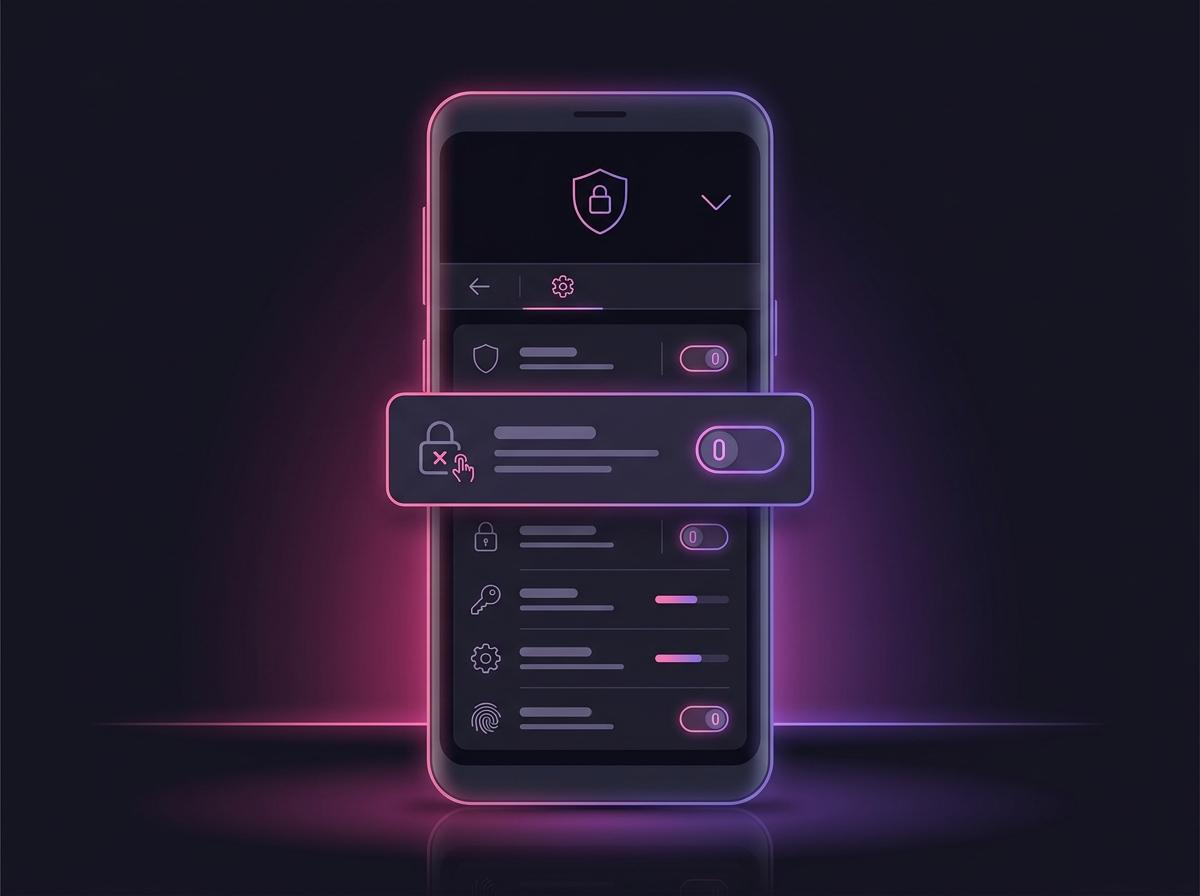
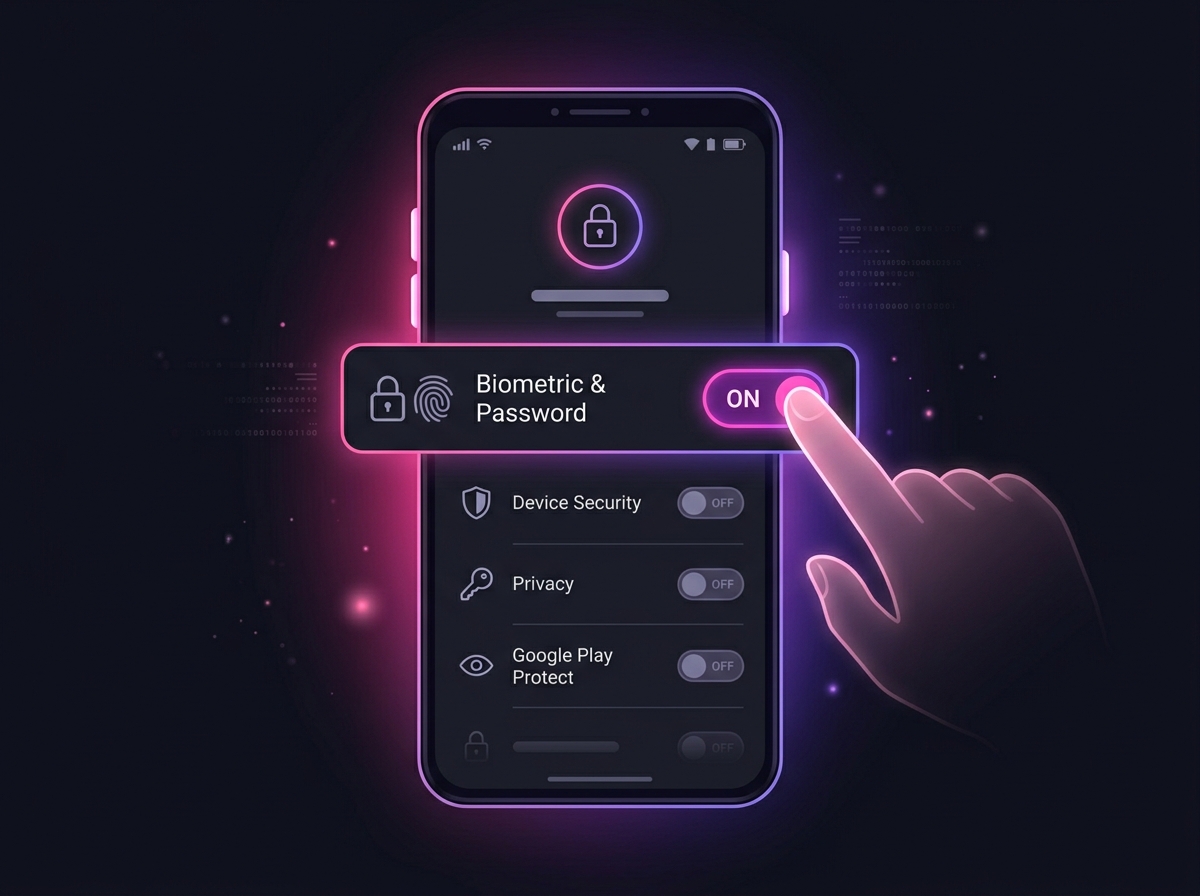
4. Turn Off Play Protect
Open the Google Play Store, go to Settings > Play Protect, and temporarily turn off scanning.
5. Re-enable Play Protect
Retry installing MeetSweet. Once installed, turn Play Protect back on for security.
Enable Notifications
Don't miss direct messages or new posts
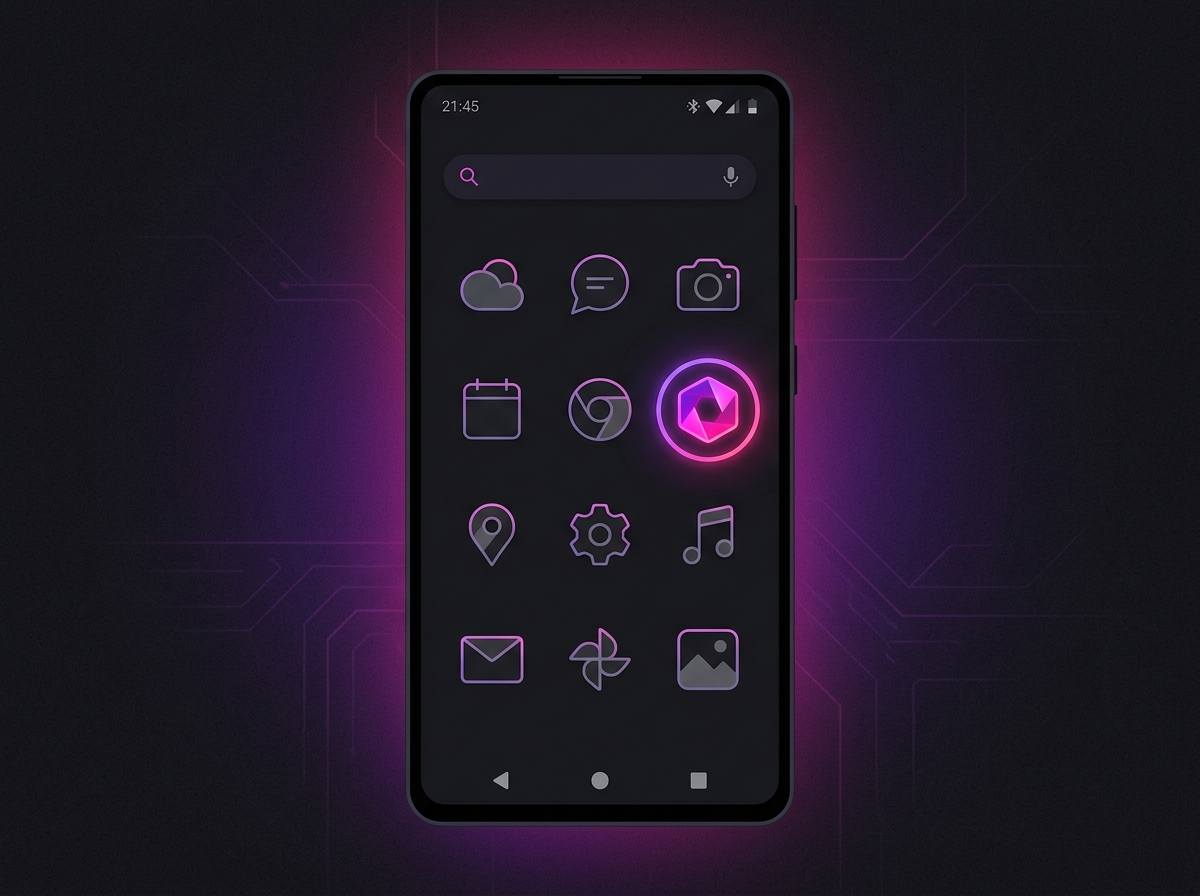
1. Find MeetSweet
Locate the MeetSweet app on your home screen or app drawer.
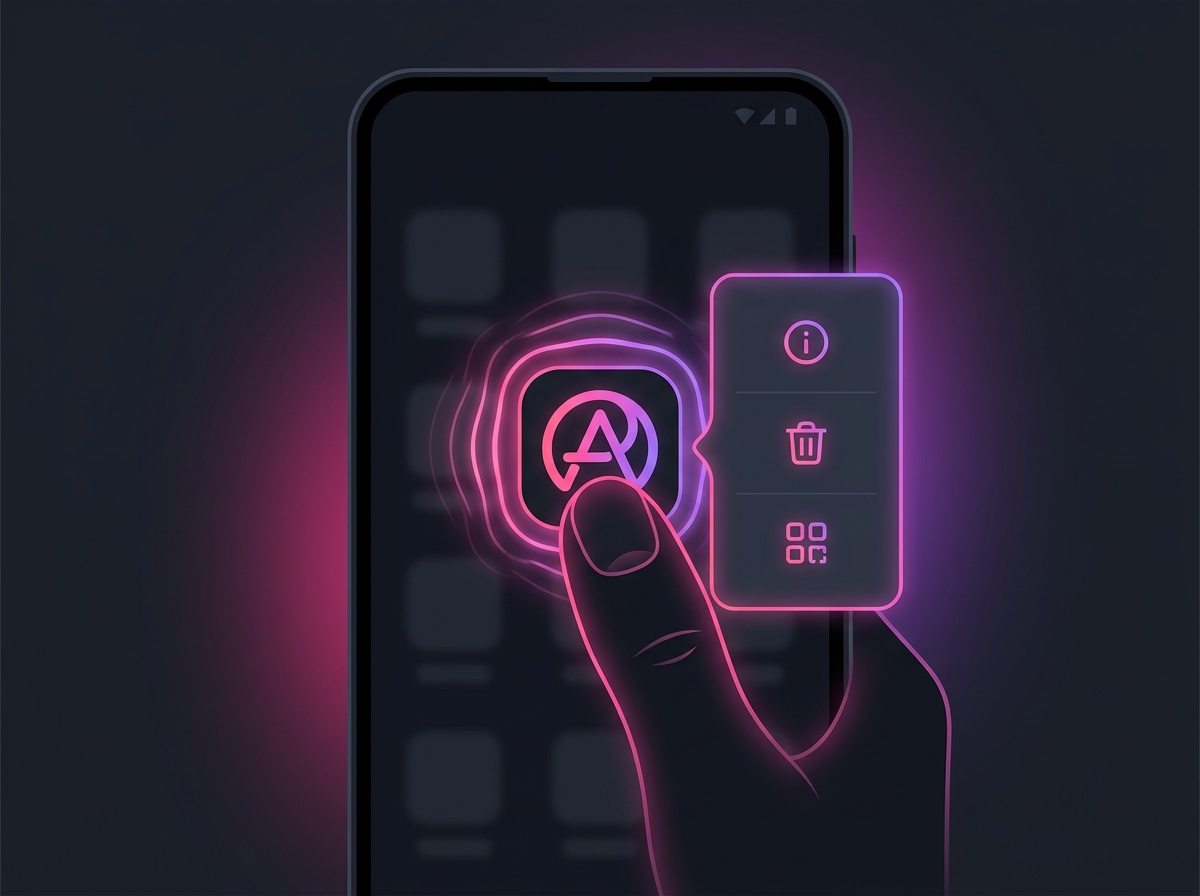
2. Long Press
Press and hold the MeetSweet app icon until a menu appears.
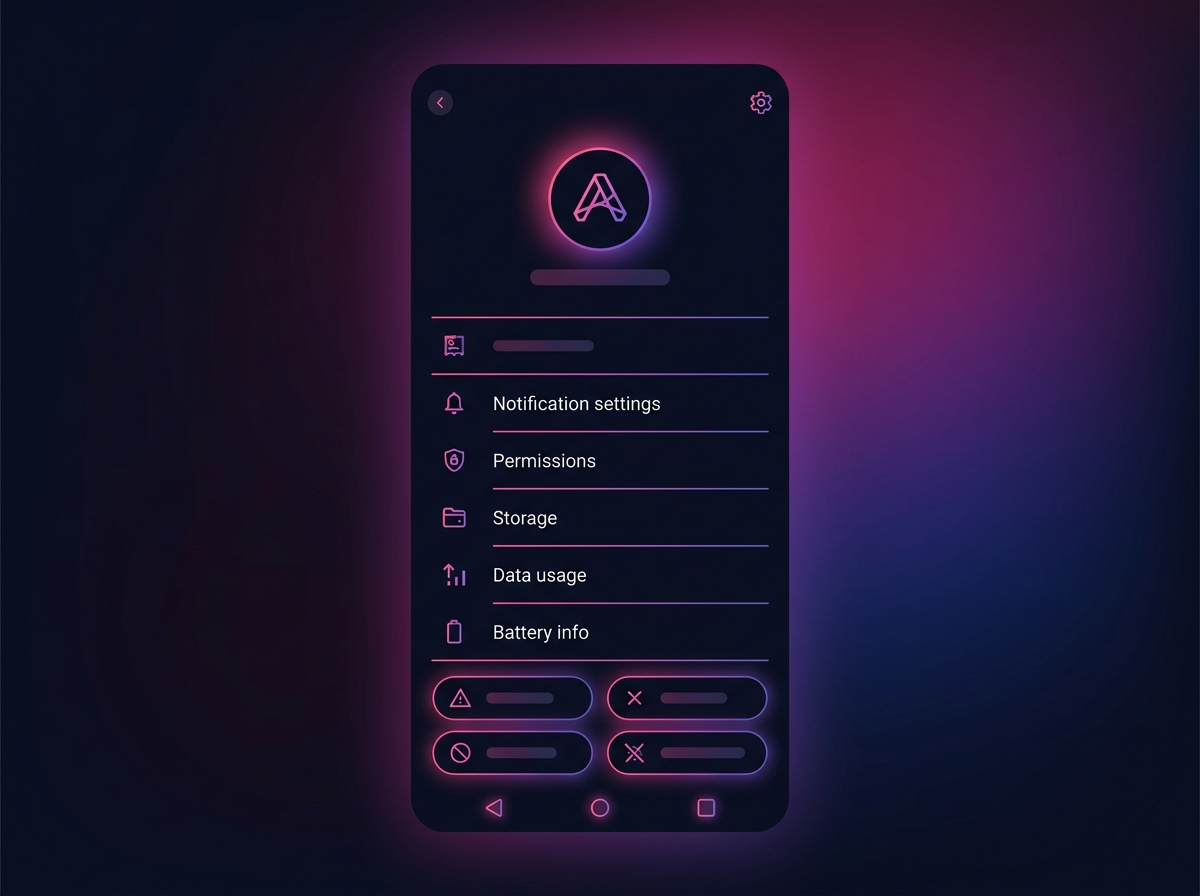
3. App Info
Tap the 'App info' (i) icon from the context menu.
4. Notifications
Tap on 'Notifications' or 'Permissions' in the settings menu.
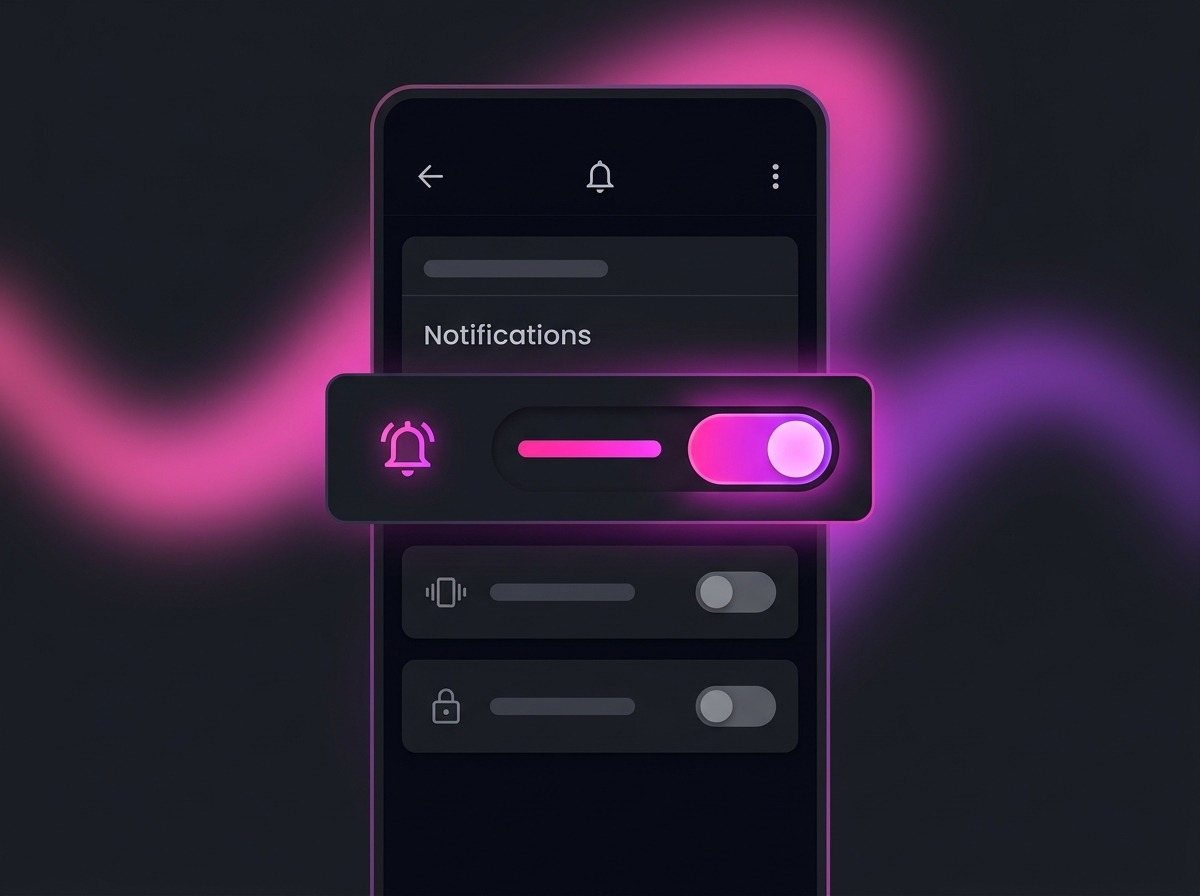
5. Allow Access
Toggle the switch to 'Allow notifications'. Return to MeetSweet and they will work.